
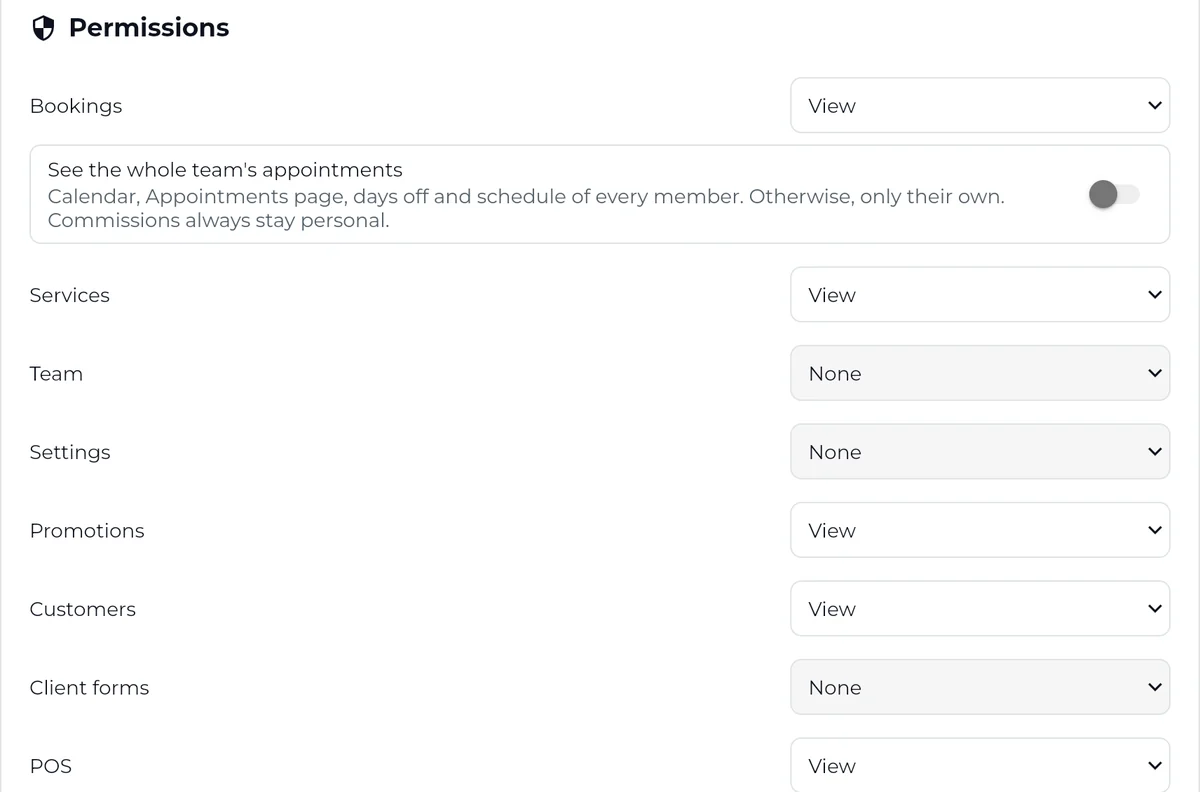
Choose what each person sees
Bookings, clients, checkout, reports: hidden, view or edit. Staff only see their own appointments.
Team
Everyone has their own account, their own schedule and their own commissions. You see everything, they see what they need.
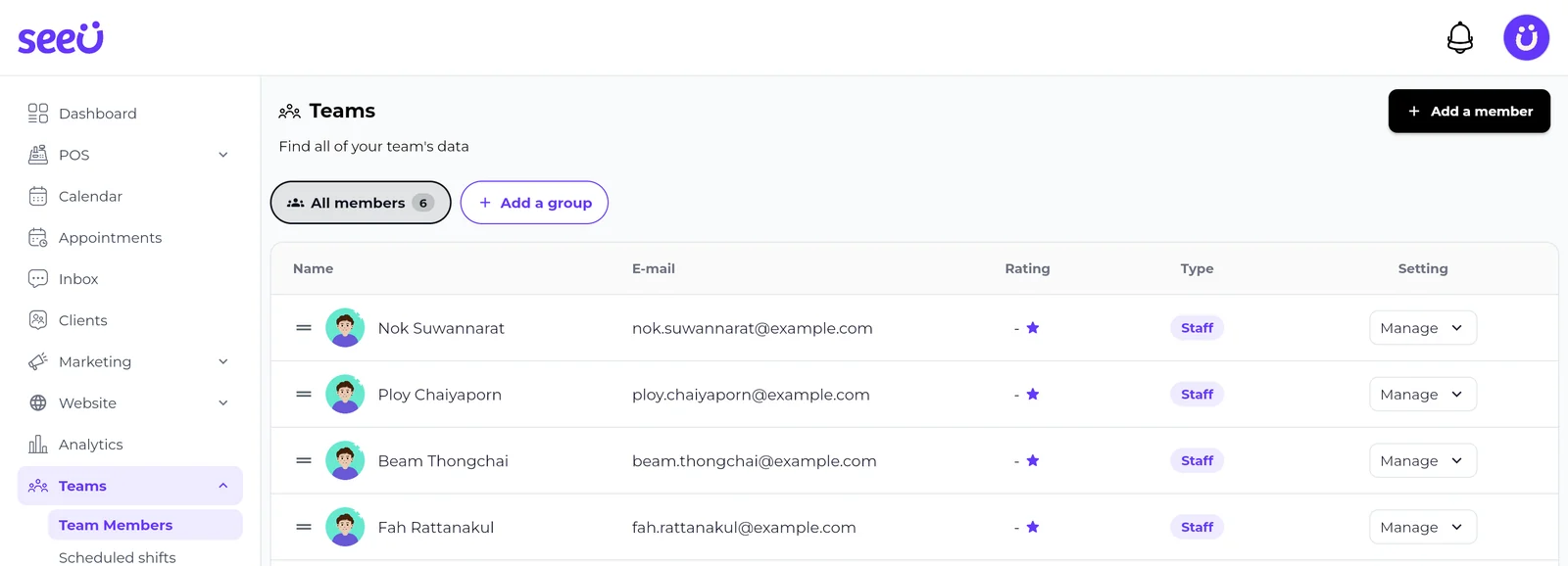
The owner sees everything, the manager runs the day to day, staff see their schedule and their clients. Nothing more.
Bookings, clients, checkout, reports: hidden, view or edit. Staff only see their own appointments.
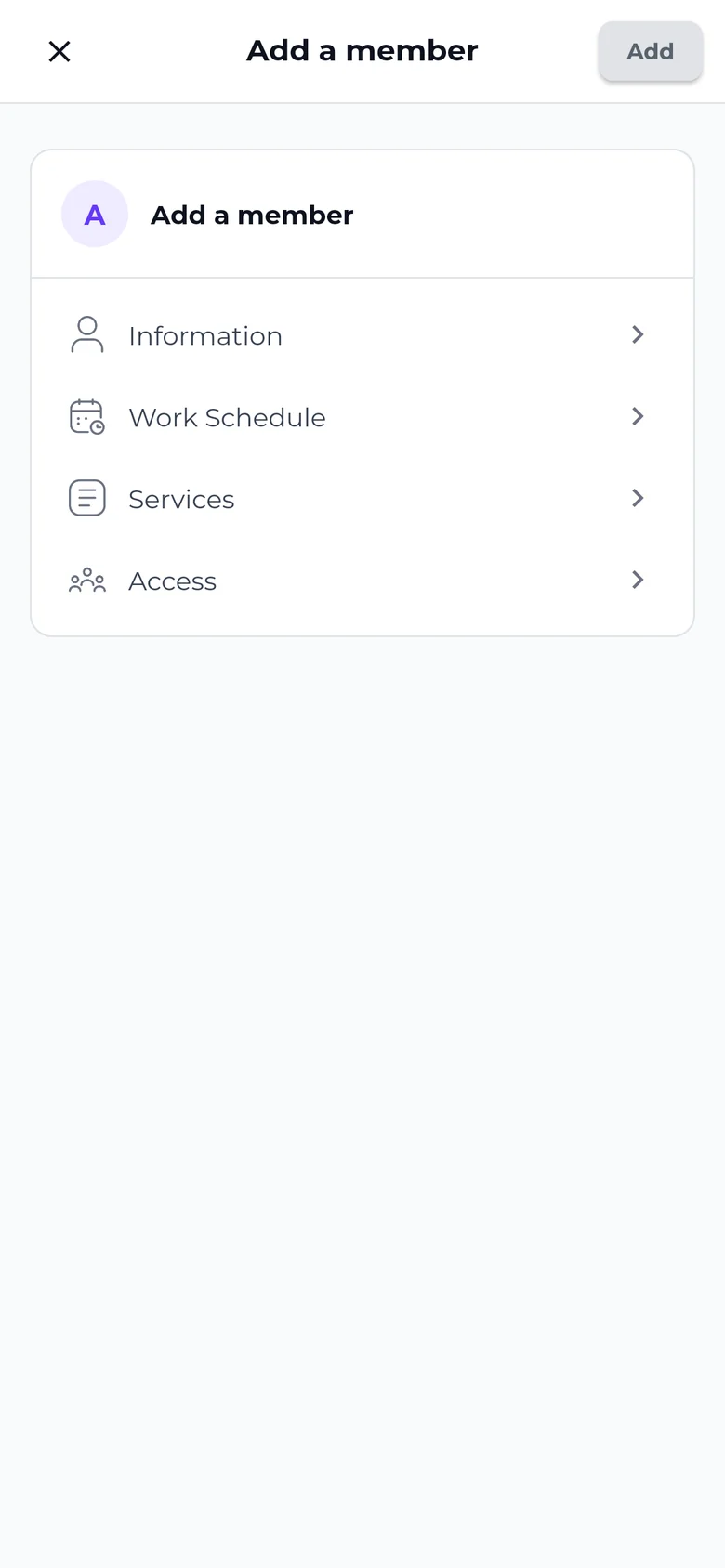
Details, hours, services and access: four steps, and clients can book them.
Each person's hours define the slots clients can book with them. Add a day off, and nobody can book that person that day.
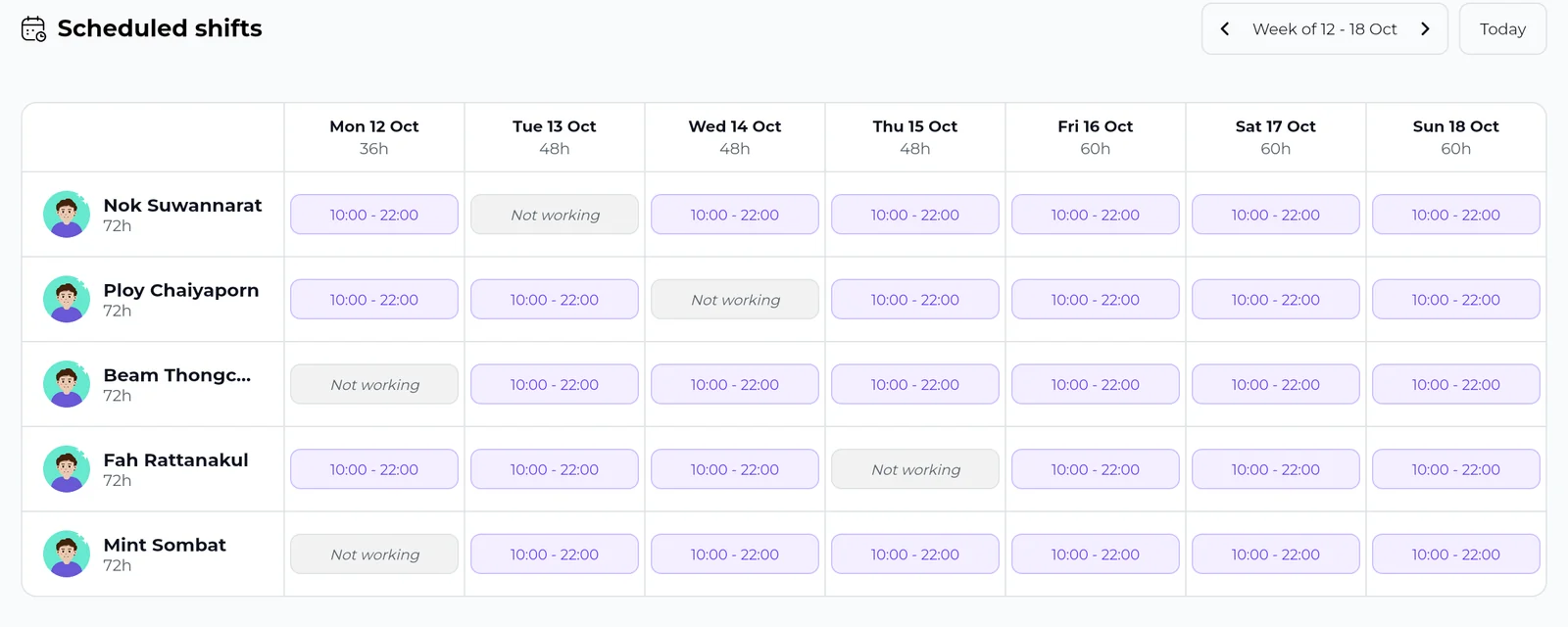
Hours for each person and each day. Days off are clear for the whole team.
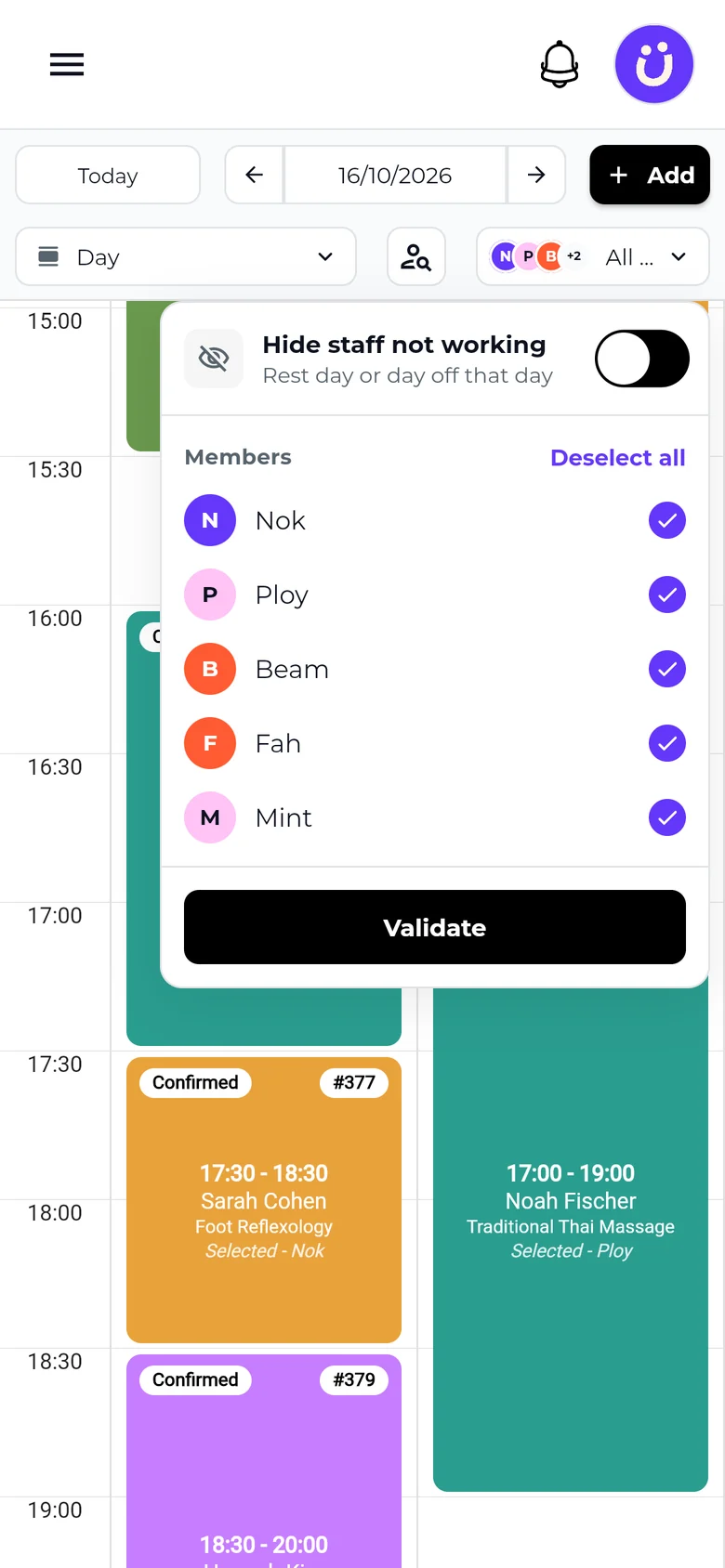
Hide staff on a rest day in one tap. Online, clients only see who is in.
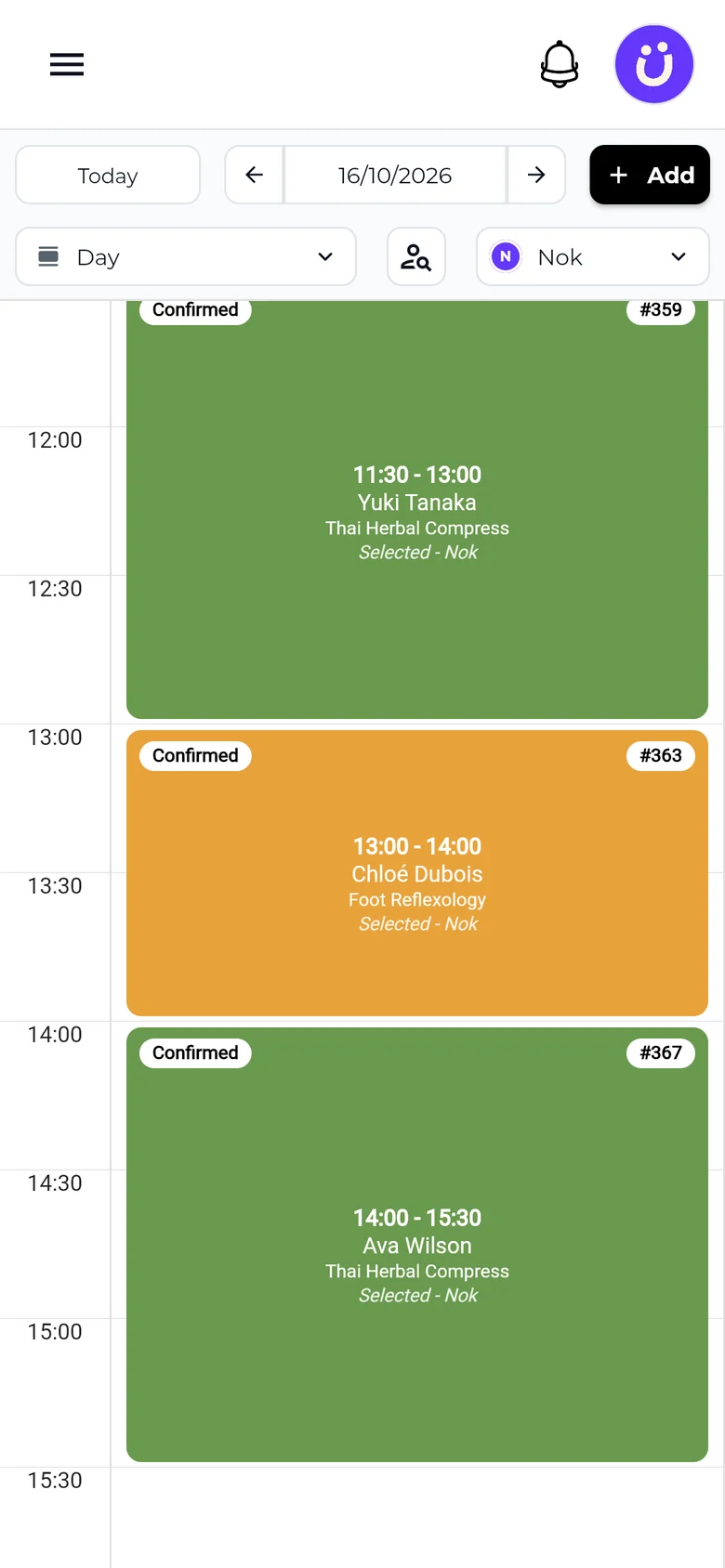
Each person opens the app and sees their own day, appointment by appointment. Not your revenue.
Shop revenue
Hidden
A percentage or a fixed amount, per service or per product. At every checkout, SeeU does the maths. End of the month: one export and it is done.
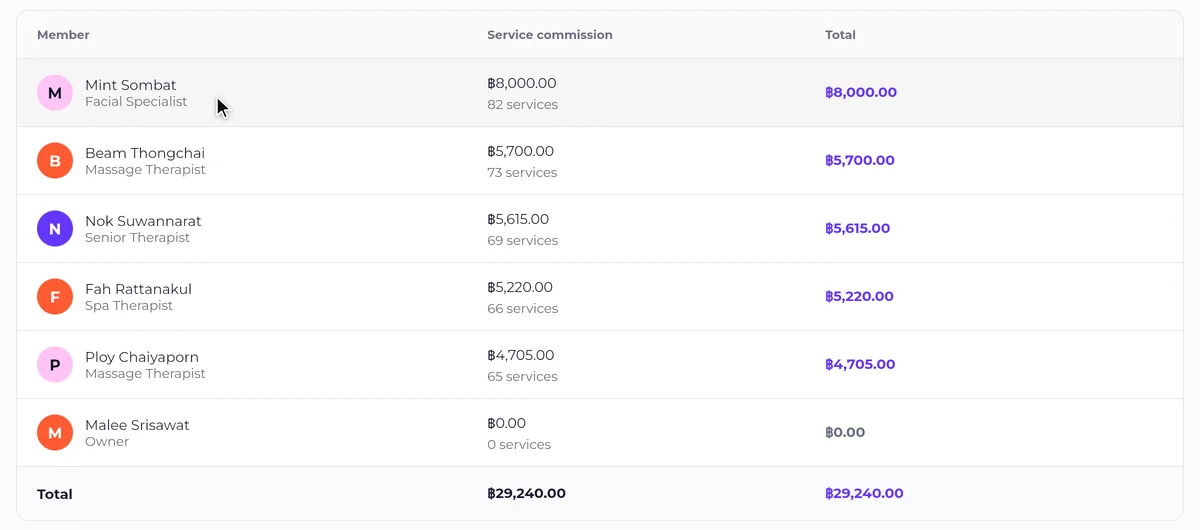
Pick a month: each person’s commissions are already added up. Tap a name to see every line.
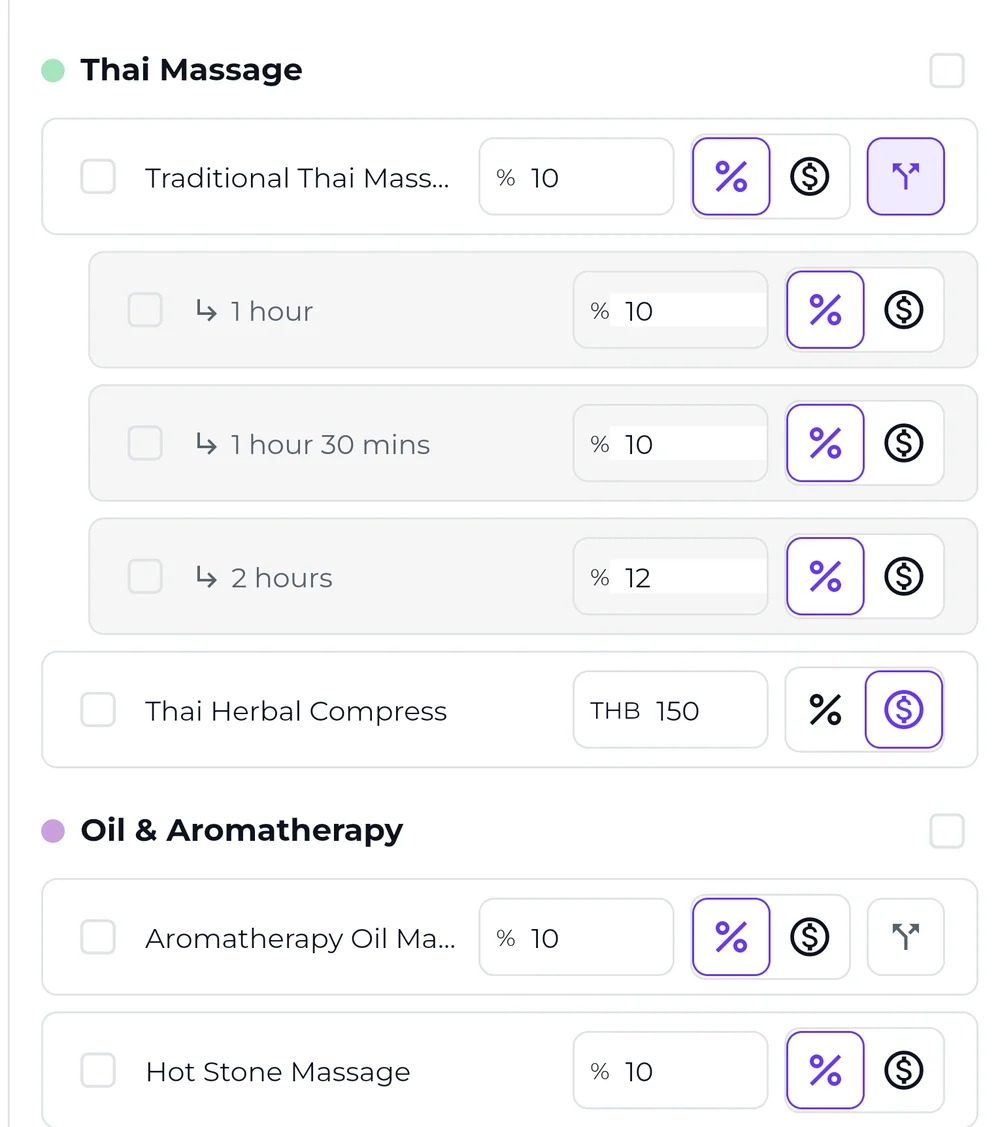
One rate per service, or per duration. Products and memberships get their own.
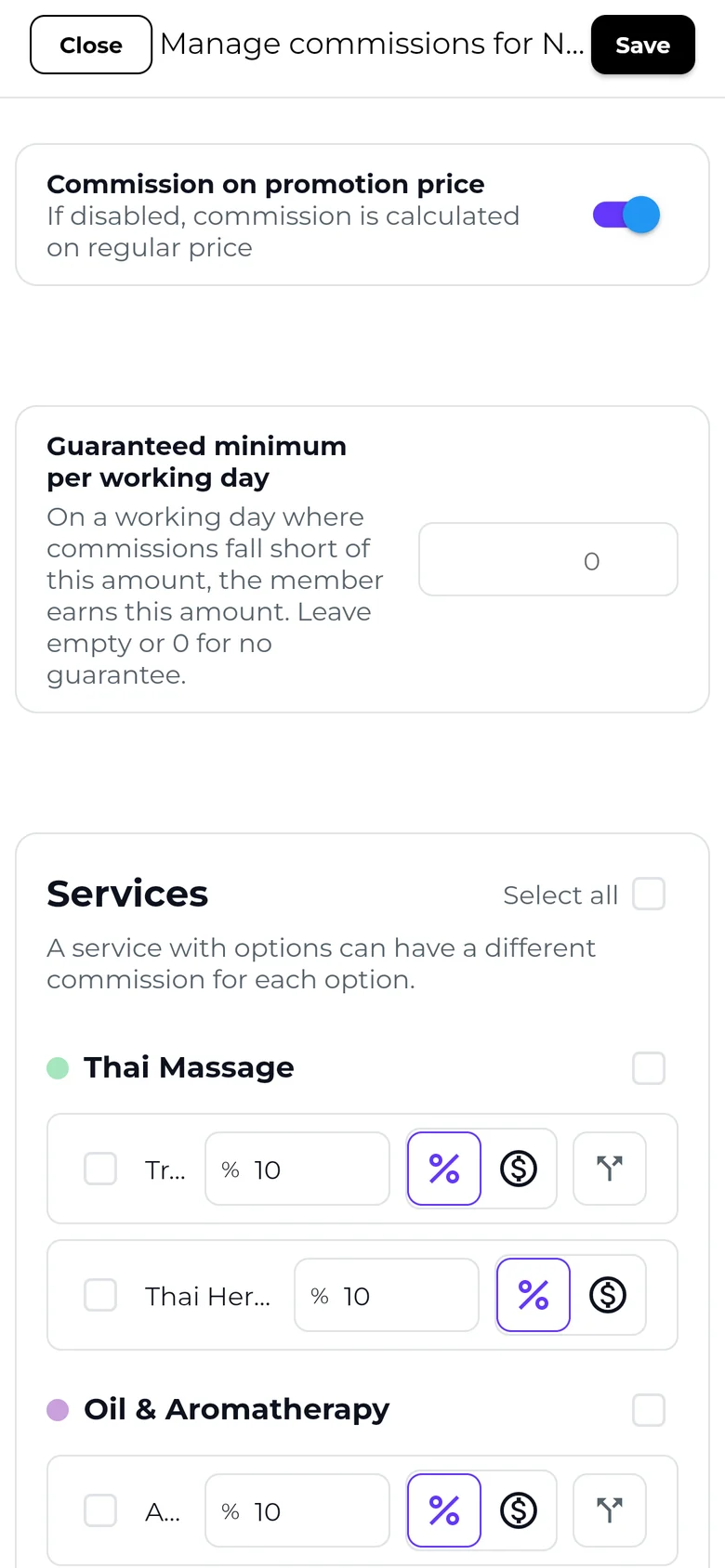
Pay on the promo price or the full price. Add a guaranteed minimum per working day.
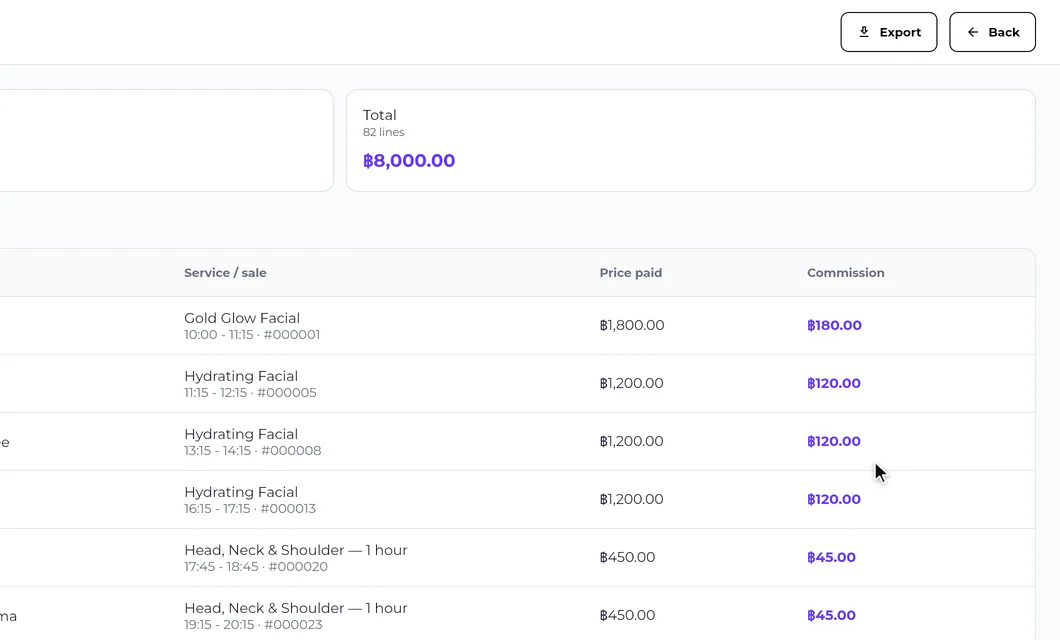
Each line shows the date, client, service and price paid. Export it all for payday.
Add a team member, then set their commissions. Each guide shows every step.
Stylists, barbers, nail techs, therapists. See how SeeU works in your trade.
Bookings, checkout and client files all know who does what. Nothing to enter twice.
Demo online or at your salon
FAQ
Each team member gets their own account on their own phone, with their own working hours, days off and commissions. The owner sees everything, managers run the day to day, staff see their appointments and their clients. No spreadsheet, no shared password.
No. Staff see their own appointments, clients and commissions. Only the owner and managers see the shop's figures, reports and settings.
You set a percentage or a fixed amount, per service or per product. At every checkout SeeU does the maths, retail products included. At the end of the month, one export gives you everyone's commissions, with no arguments.
Yes. Each person's hours define the slots clients can book with them. Add a day off or close the salon for a day, and nobody can book that person or that day online. Everyone sees their own schedule on their phone.
Cut their access in one tap. Their past appointments, sales and commissions stay in your reports, and the clients stay on your shop.
Yes. Add branches and switch between shops from one account, on a single subscription, with a team, a calendar and reports for each.
No. Accounts, roles, schedules and commissions are included from ฿990/month + VAT, with a 30-day free trial. There is no extra fee per team member.
Accounts, schedules and commissions in one place, on everyone’s phone.
From ฿990/month + VAT · 30-day free trial